
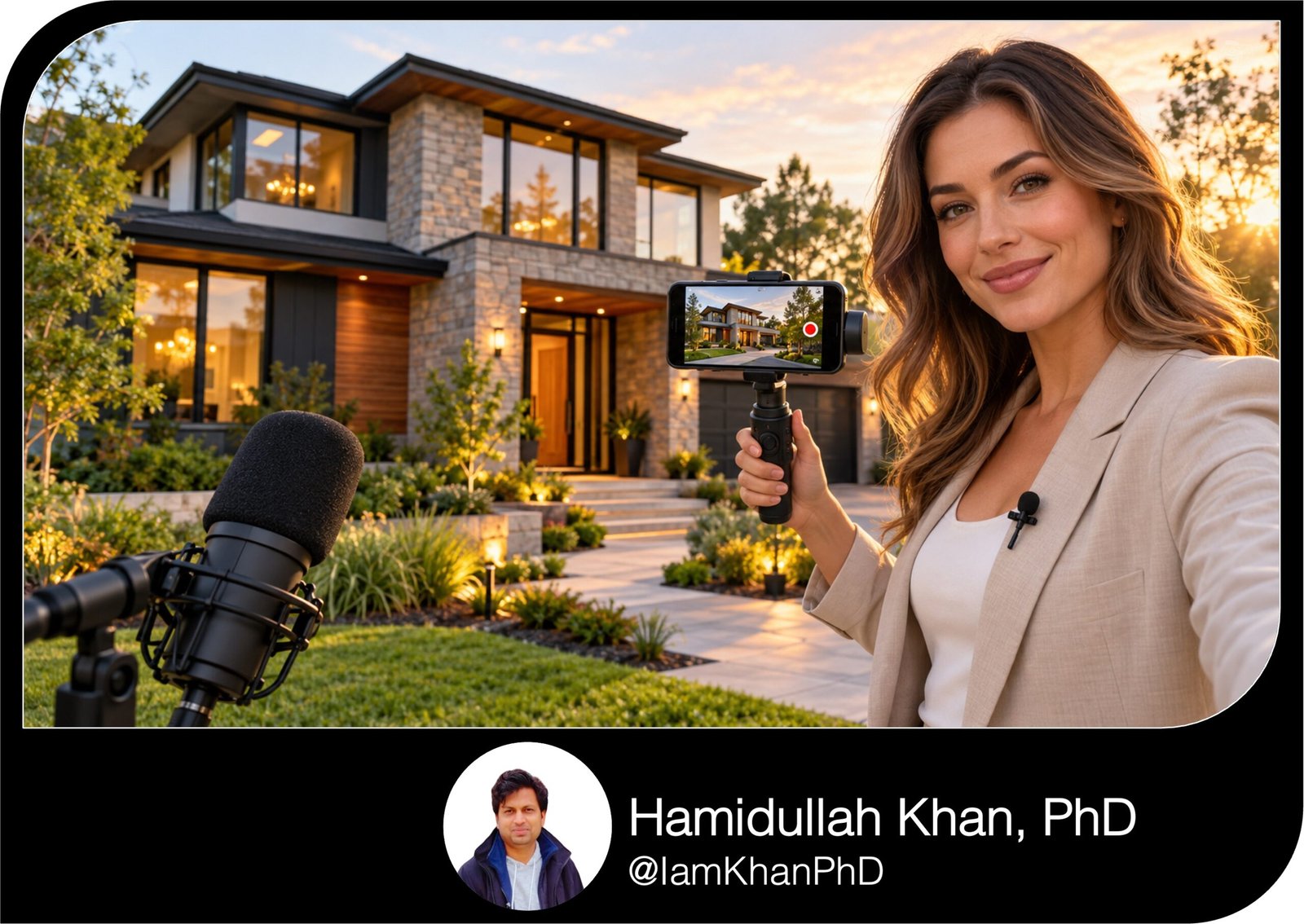
10 AI Prompts for Real Estate Listing Videos with Voiceovers
Turn your listing details, photos, and footage into clear video scripts with ready-to-record voiceovers. This pack includes 10 detailed, editable AI prompts for real estate agents and Realtors, covering short reels, walkthroughs, luxury homes, condos, open houses, and more. Get scene timing, shot suggestions, on-screen text, and calls to action—even if you are new to AI.
What this prompt pack does
- Creates property-specific voiceover scripts with hooks, feature highlights, and clear showing invitations.
- Maps narration to timed scenes, available photos or footage, and on-screen text.
- Helps adapt listing videos to different property types and marketing situations.
Tips for this prompt pack
- Replace every bracketed field with verified details; write “not applicable” for anything irrelevant.
- Describe your available photos and clips so the AI can match the script to assets you have.
- Read the voiceover aloud and check claims, pronunciation, and timing before recording.
How to use the prompt pack
- Choose the prompt that matches your listing and paste it into your preferred AI chat tool.
- Fill in the editable fields, submit the prompt, and answer any essential follow-up questions.
- Review the script, record or generate the voiceover separately, and assemble the video using the scene plan.
10 AI Prompts for Real Estate Listing Videos with Voiceovers
Replace the text inside [square brackets] with your listing details. Copy one complete prompt into your preferred AI chat tool. These prompts create scripts and video plans; record or generate the voiceover separately, then assemble your video.
1. The 30-Second Listing Reel That Leads with the Best Feature
Use when your listing needs a short video with a specific reason to book a showing.
Act as a real estate video scriptwriter. Create a 30-second vertical listing video for [Instagram Reels/TikTok/YouTube Shorts]. Lead with this property’s strongest verified feature instead of a generic “welcome home” introduction. My editable details: • Property type and location: [type, city, neighborhood] • Address visibility: [full address/general location only] • Price and currency: [amount; include/omit] • Beds, baths, and verified size: [details] • Standout feature: [specific feature and factual detail] • Two supporting features: [feature 1; feature 2] • Available footage: [describe clips and their lengths] • Agent name and contact: [details] • Voiceover tone and language: [warm, direct, energetic; language] • Call to action: [DM “TOUR”/use contact link/call to schedule] Give me three opening hooks, then select the strongest. Build a scene table with timestamps totaling 30 seconds, available footage, exact narration, and on-screen text of no more than six words per scene. Keep the full voiceover between 50 and 60 words, including the hook and call to action. Connect each feature to a practical use without inventing benefits. Finish with a clean voiceover script, its word count, and a short matching caption. Use only supplied facts. Do not invent urgency, views, finishes, or amenities. Describe the property without assumptions about who should live there. Ask up to three essential questions only if missing information prevents an accurate script; otherwise omit missing details.
2. The 60-Second Walkthrough with Natural Room-to-Room Transitions
Use when your footage feels like disconnected room clips and needs a clear tour sequence.
Act as a listing-video director and voiceover writer. Turn my footage into a coherent 60-second property walkthrough. Help viewers understand how the rooms connect. My editable details: • Listing location and property type: [details] • Price, beds, baths, and verified size: [details; mark anything to omit] • Actual room sequence and connections: [entry → living room → kitchen → hallway → bedrooms → outdoor area] • Clips available and their lengths: [clip list] • Notable detail in each room: [room: verified detail] • Features deserving extra screen time: [up to three] • Rooms or details to omit: [list] • Agent, contact, and call to action: [details] • Voiceover style and language: [conversational/professional; language] Create a scene table totaling 60 seconds with timestamps, clip choice, narration, and concise screen text. Allocate more time to the strongest features. Use natural transitions that match the actual layout; never imply adjoining rooms unless I confirmed the connection. Keep the voiceover between 110 and 125 words. Avoid repeating what viewers can already see. Explain useful details such as storage, room connections, or access to outdoor space when supported by my information. End with one clear showing invitation. Provide a clean recording script and list any useful pickup shots separately from footage I already have. Use only supplied facts, describe the property without assumptions about occupants, and do not invent room dimensions or finishes. Ask up to three essential questions if the layout information is insufficient.
3. The Photo-Only Listing Video with a Ready-to-Record Voiceover
Use when you have listing photos but no walkthrough footage.
Act as a real estate slideshow-video producer. Create a 45-second vertical listing video using only the photos I supply or describe. My editable details: • Listing location and property type: [details] • Price and key specifications: [details; include/omit] • Photo inventory: [number each photo and describe what it shows] • Verified facts not obvious in the photos: [details] • Three features to emphasize: [features] • Agent and contact: [details] • Voiceover tone and language: [tone; language] • Call to action: [specific next step] Choose six to nine photos if available; otherwise work with the actual number supplied. Order them to explain the property clearly. Create a table with timestamps totaling 45 seconds, photo number, a simple pan or zoom suggestion, exact narration, and short on-screen text. Keep the voiceover between 80 and 95 words. Use gentle motion that preserves the original photo. Do not suggest changing room size, adding finishes, removing permanent features, or inserting generated property images. If a space has no photo, do not imply viewers are seeing it; omit it or mention a supplied fact without a misleading visual. Provide a clean voiceover script and three cover-text options of no more than seven words each. Use only supplied facts and avoid assumptions about who should live there. If you cannot access the images, work from my descriptions and identify any detail that needs confirmation.
4. The Luxury Listing Film with an Understated Voiceover
Use when a premium listing needs polished storytelling grounded in specific details.
Act as a writer for architectural property films. Create a 75-second listing video that conveys quality through concrete details, measured pacing, and visual evidence. My editable details: • Property type and location: [details] • Price and verified specifications: [details; include/omit] • Architectural style, if confirmed: [style] • Verified materials and finishes: [specific details] • Distinctive spaces: [three to five spaces] • Verified design or craftsmanship details: [details and attribution, if known] • Available footage and clip lengths: [list] • Agent/contact and next step: [details] • Voiceover language: [language] Build the narrative around one supported theme, such as [indoor-outdoor connection/material craftsmanship/spatial flow]. Give me two opening options, then create a timed scene table totaling 75 seconds. Include footage, narration, minimal screen text, and moments where music can carry the visuals. Keep the voiceover between 115 and 135 words and reserve at least eight seconds overall without narration. Avoid “unparalleled,” “world-class,” “ultimate luxury,” and unsupported exclusivity. Do not invent an architect, material brand, privacy claim, view, or provenance. Focus on the property rather than presumed buyer status. Finish with a clean voiceover script, pronunciation notes for supplied names, and a restrained invitation to arrange a viewing. If an important design claim is unclear, ask up to three questions before using it.
5. The Small-Space Listing Video That Explains the Layout
Use when a studio, apartment, or compact home needs a useful presentation of its space.
Act as a real estate video writer. Create a 40-second listing video that explains how this compact property functions, using accurate layout and storage details. My editable details: • Property type and location: [details] • Verified floor area and units: [size] • Beds, baths, and price: [details; include/omit] • Layout and room connections: [description] • Built-in storage: [verified details] • Flexible spaces and confirmed measurements: [details] • Furniture shown: [current arrangement; indicate staged items] • Light or window facts: [verified details] • Available footage: [clips and lengths] • Agent/contact, voiceover language, and call to action: [details] Identify three space-use benefits supported by my information. Create a scene table totaling 40 seconds with footage, narration, and concise screen text. Keep the voiceover between 70 and 85 words. Explain the layout clearly without claiming the home is larger than it is. Do not suggest that furniture fits unless measurements support it. Do not describe a nook as an additional bedroom or imply that staged furniture is included. If useful, recommend an optional floor-plan overlay using my supplied dimensions. Give me a clean voiceover script and two factual opening hooks. Do not invent storage, accessibility, or renovation potential. Avoid assumptions about occupants. Ask up to three essential questions if the size or layout is ambiguous.
6. The Renovated or Fixer-Upper Listing Video with Clear Condition Details
Use when you need to explain improvements or renovation needs accurately.
Act as a factual real estate listing-video writer. Create a 60-second video explaining this property’s current condition and documented improvements. My editable details: • Property type, location, and price: [details] • Condition: [renovated/partially updated/needs renovation] • Completed work and dates: [verified item-by-item list] • Items that remain unchanged or need work: [confirmed details] • Documentation supporting claims: [receipts, permits, seller information; note what is verified] • Before-and-after assets: [what is available] • Current-condition footage: [clips and lengths] • Features to highlight: [details] • Agent/contact, language, and call to action: [details] Organize the video into current condition, completed improvements, remaining considerations, and a showing invitation. Create a timed scene table totaling 60 seconds and a voiceover between 105 and 120 words. Distinguish cosmetic updates from supplied information about systems or structural work. Label historical “before” images clearly and pair them with current images of the same space when available. Do not imply that unfinished work is complete or that a rendering shows the current property. Avoid invented renovation costs, permit approvals, structural assurances, rental income, resale gains, or “move-in ready” claims. Present unverified renovation potential as a question to investigate, not a promised outcome. Describe the property without assumptions about buyers. Finish with a clean script and a short list of claims I need to verify before recording.
7. The Condo Listing Video That Explains the Unit, Amenities, and Fees
Use when you need to distinguish private features from shared amenities and explain supplied fees.
Act as a condo listing-video writer. Create a 60-second video that explains what belongs to the unit, what is shared, and any supplied recurring fees. My editable details: • Building location and unit type: [details] • Price, beds, baths, and verified size: [details] • Unit features: [verified list] • Shared amenities: [verified list; note access restrictions] • Parking and storage: [included/assigned/separate cost/not confirmed] • Association or building fee: [amount, currency, billing frequency, verification date] • What that fee includes: [verified inclusions] • Confirmed restrictions worth mentioning: [details] • Available unit and amenity footage: [clips and lengths] • Agent/contact, language, and call to action: [details] Create a scene table totaling 60 seconds with narration, available footage, and short screen text. Keep the voiceover between 105 and 120 words. Cover the unit first, then shared amenities, then supplied fee information and a viewing invitation. Clearly label shared spaces. State a fee’s billing frequency whenever you include its amount. Do not call parking or storage included unless confirmed, or imply unrestricted access to amenities. Do not invent rental permissions, pet rules, assessments, or future fees. Use only supplied facts and avoid assumptions about occupants. Finish with a clean voiceover script and a verification checklist limited to claims actually used. If a fee or inclusion is unclear, ask for confirmation or omit it.
8. The Location-Focused Listing Video with Verified Nearby Highlights
Use when you want to show the property’s surroundings through specific places and accurate distances.
Act as a real estate location-video writer. Create a 45-second listing video connecting the property’s features with specific nearby places. My editable details: • Listing location and address visibility: [details] • Two property features to include: [verified features] • Nearby places: [names and what they are] • Verified distances: [place: distance and units] • Travel times, if verified: [place: time, mode, source, and conditions] • Available property and location footage: [list; note footage I can use] • Location footage I still need: [list] • Agent/contact, language, and call to action: [details] Open with one specific, supported location hook. Create a scene table totaling 45 seconds, using at least one property scene and clearly identified nearby-location scenes. Include narration, short screen text, and available footage. Keep the voiceover between 80 and 95 words. Use only the distances and times I provide. Preserve travel modes and qualifiers; never turn a driving time into a walking time. Avoid invented convenience, school ratings, safety claims, demographic descriptions, and “best neighborhood” language. If no verified distances are available, name the places without estimating proximity. Do not use generic stock footage as if it shows the actual location. List missing shots separately. End with a clean recording script and an invitation to tour the property. Ask up to three essential questions if a location claim is unclear.
9. The Fresh Listing Video for a Property That Needs a New Angle
Use when an existing video feels repetitive or an updated price needs an accurate announcement.
Act as a real estate content strategist and voiceover writer. Create a fresh 30-second listing video using a different supported feature from the previous video. My editable details: • Property type and location: [details] • Current verified price: [amount and currency; include/omit] • Previous price and change date: [details; leave blank if irrelevant] • Verified property features: [list] • Previous script or opening: [paste here] • Available footage: [clips and lengths] • New or previously underused feature: [detail] • Changes since the last video: [confirmed changes only] • Agent/contact, language, and call to action: [details] Identify what made the old video repetitive, then suggest three distinct new hooks based on supplied facts. Choose one and create a scene table totaling 30 seconds with footage, exact narration, and short screen text. Keep the voiceover between 50 and 60 words. If I supplied a verified price change, offer an optional factual price-update opening. Otherwise, do not imply a reduction. Do not invent buyer interest, offer deadlines, seller motivation, scarcity, or reasons the property has not sold. Focus on a useful feature viewers may have missed. Finish with a clean voiceover script, one caption, and a brief explanation of how the new angle differs from the previous video. Avoid assumptions about buyers. If the old script is missing, proceed from the underused feature without claiming to have reviewed previous content.
10. The Open-House Listing Video with a Clear Invitation
Use when you need a property-led event video with accurate details and a simple next step.
Act as a real estate open-house video writer. Create a 25-second vertical video that shows why the property is worth visiting and makes the event details easy to follow. My editable details: • Property type, key specifications, and price: [details; include/omit] • Address to display: [approved full address] • Two strongest verified features: [features] • Open-house date: [day, month, date, year] • Start/end time and time zone: [details] • Access or check-in instructions: [confirmed details] • RSVP requirement: [required/optional/not required] • Agent/contact and RSVP method: [details] • Available footage: [clips and lengths] • Voiceover tone and language: [tone; language] Create a scene table totaling 25 seconds with footage, exact narration, and concise screen text. Keep the voiceover between 40 and 50 words. Lead with a property feature, then give the invitation. Put the full approved address, date, time window, and contact on an end card visible for at least five seconds; concise-text limits do not apply to this card. Do not say “this weekend” without also showing the exact date. Do not invent refreshments, parking availability, incentives, or RSVP rules. Do not infer the weekday if I have not confirmed it. Keep the invitation focused on the property without assumptions about attendees. Provide a clean voiceover script, exact end-card copy, and a matching event caption. If the date, time, or address is missing or contradictory, ask me to confirm it before completing the invitation.


About author






Add comment