
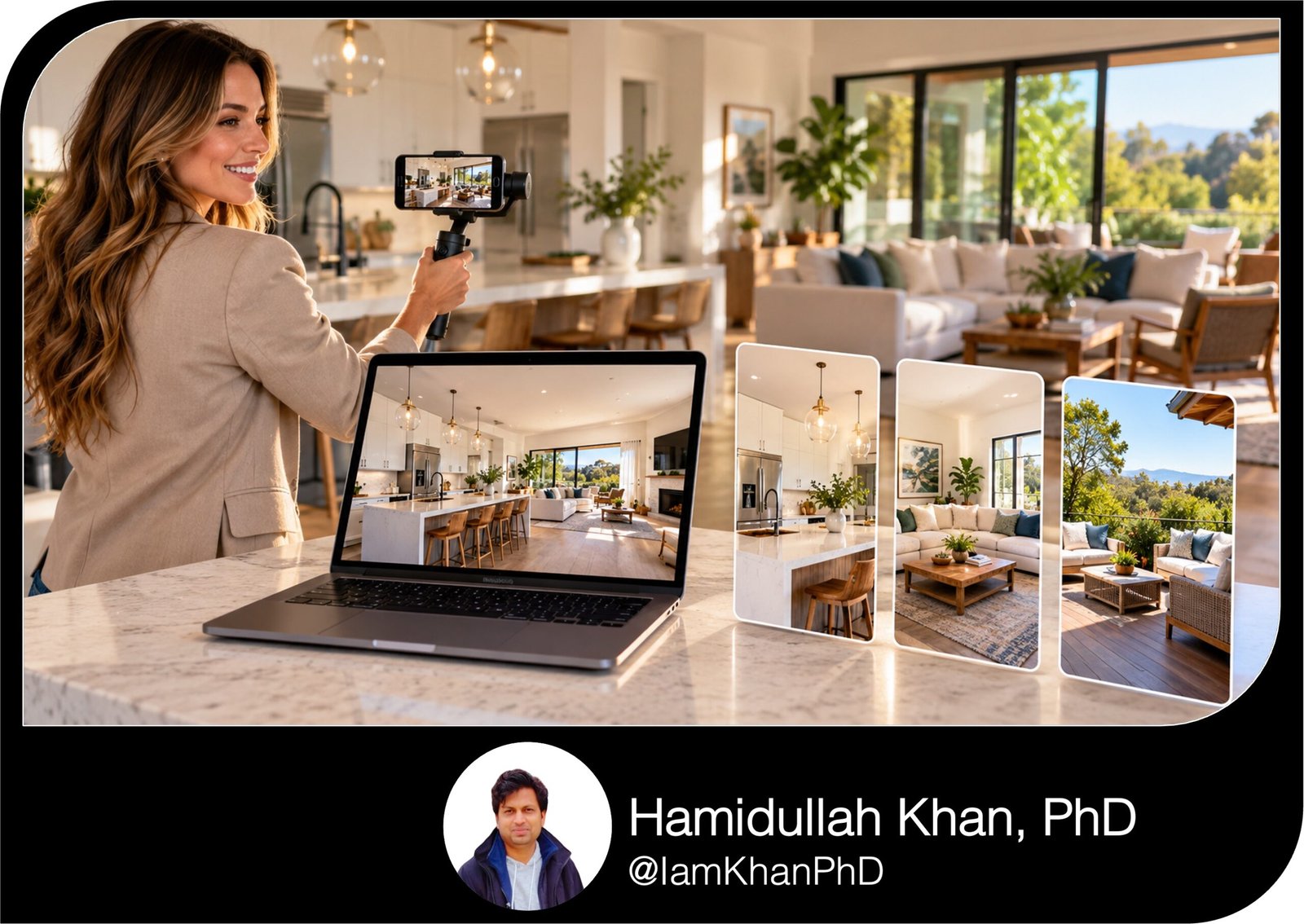
10 AI Prompts for Repurposing Property Tours into Short Videos
Turn one property tour into a range of short video ideas with 10 detailed, editable AI prompts for real estate agents. Create scripts, shot lists, text overlays, captions, and editing plans for teasers, feature highlights, buyer FAQs, and open-house invitations. Designed for beginners using AI alongside their video editor.
What this prompt pack does
- Turns existing tour footage into structured short-video scripts and scene-by-scene editing plans.
- Creates focused content for property features, buyer questions, open houses, and a seven-day series.
- Generates editable hooks, voiceovers, overlays, captions, and calls to action using your supplied listing facts.
Tips for this prompt pack
- Provide a scene list alongside your transcript so the AI knows what footage is available.
- Choose one clear message and one call to action for each short video.
- Check property facts, source clips, event details, and narration timing before publishing.
How to use the prompt pack
- Copy one prompt and replace the [bracketed fields] with your listing details and preferences.
- Upload your tour to an AI tool that supports video, or paste a transcript and descriptive scene list.
- Review the output, refine any missing details, and assemble the video in your preferred editor.
10 AI Prompts for Repurposing Property Tours into Short Videos
For beginners: Replace the [bracketed fields] with your information. Upload your tour if your AI tool supports video. Otherwise, paste a transcript and a scene list describing the available shots.
These prompts generate scripts, copy, and editing plans. Use your video editor to assemble the finished videos.
1. Find the strongest short-video moments in a long property tour
Use when you have a long tour but do not know which clips to repurpose.
Act as a real estate video editor. Review my property tour and identify five distinct moments that could become useful short videos. My inputs: • Property name or reference: [PROPERTY] • Verified listing details: [PRICE, BEDS, BATHS, SIZE, FEATURES] • Platform: [INSTAGRAM REELS / TIKTOK / YOUTUBE SHORTS] • Desired video length: [15–30 SECONDS] • Main goal: [SHOWING REQUESTS / LISTING AWARENESS] • Video, transcript, and/or scene list: [UPLOAD OR PASTE] Choose moments with a clear visual payoff, such as a layout reveal, storage solution, standout room, or outdoor feature. Explain what useful information each video gives a buyer. Avoid selecting five clips that all communicate the same benefit. Return a table with: video angle, source clip or verified timestamp, opening hook, suggested shot order, on-screen text, and call to action. Rank the ideas by how strongly the supplied footage supports them. Use only supplied facts and visible or described scenes. If you cannot inspect the video, do not claim you watched it. If timestamps are unavailable, identify the scene by description and write “locate manually.” Separate supported claims from details I need to confirm. Do not invent rooms, amenities, or views.
2. Create a 15-second property teaser
Use when you need a quick introduction that encourages viewers to request the full tour.
Act as a real estate short-video scriptwriter. Turn my existing property tour into a 15-second teaser that introduces one compelling feature and encourages viewers to learn more. My inputs: • Property reference and area: [PROPERTY / AREA] • Verified standout feature: [FEATURE] • Two supporting details: [DETAIL 1 / DETAIL 2] • Desired tone: [FRIENDLY / POLISHED / ENERGETIC] • Call to action: [DM “TOUR” / REQUEST THE FULL VIDEO] • Available tour footage or scene list: [UPLOAD OR PASTE] Give me three hook options of no more than eight words each. Select the strongest hook based on the available footage, then create one complete editing plan for 0–3, 3–7, 7–11, and 11–15 seconds. For each segment, specify the source scene, text overlay, optional voiceover, and cut instruction. Keep the total voiceover to approximately 28–32 words and each overlay to seven words or fewer. End with one clear call to action. Add a cover title and a caption of no more than 60 words. Use only verified details. Do not add artificial urgency or claims such as “best deal.” If source timestamps are missing, refer to scenes by description.
3. Condense a full walkthrough into a 30-second listing video
Use when your original tour is too long, but viewers still need to understand the property.
Act as a property video editor. Condense my tour into a 30-second listing video that communicates the property's layout and three most useful features. My inputs: • Listing reference: [PROPERTY] • Verified facts: [PRICE, BEDS, BATHS, SIZE] • Three priority features: [FEATURES] • Brand voice: [WARM / DIRECT / REFINED] • Closing action: [BOOK A VIEWING / REQUEST DETAILS] • Tour footage, transcript, and scene list: [UPLOAD OR PASTE] Start with the strongest available visual, then show the property in a sequence that makes its layout understandable. Do not imply two rooms connect unless the supplied footage or notes establish that connection. Return a timed storyboard totaling 30 seconds. Include source scenes, segment duration, voiceover, overlays, and transitions. Keep the voiceover to approximately 55–65 words; shorten it if the delivery would feel rushed. Allocate time for viewers to see each featured space. Also provide a cover headline, a short caption, and a suggested closing frame using [AGENT NAME / CONTACT METHOD]. Explain which parts of the original tour to remove and why. Use only verified facts, identify missing information, and use scene descriptions when source timestamps are unavailable.
4. Turn one standout feature into its own video
Use when an important feature gets overlooked in the full walkthrough.
Act as a real estate content producer. Create a 20–25-second video focused entirely on one feature from my existing property tour. My inputs: • Feature to highlight: [KITCHEN ISLAND / COVERED PATIO / WALK-IN STORAGE / OTHER] • Verified facts about it: [DETAILS OR MEASUREMENTS] • Practical use to explain: [COOKING / STORAGE / OUTDOOR DINING / OTHER] • Available shots of this feature: [UPLOAD OR DESCRIBE] • Tone and call to action: [TONE / CTA] Use this structure: show the feature, point out two specific details, explain one practical use, and close with the call to action. Connect the benefit to visible evidence. For example, describe a counter as an additional preparation surface only when the footage supports it. Return a timed shot list, a voiceover of approximately 40–50 words, three short overlays, a cover title, and a caption. Offer one alternate hook that starts with a useful question. If there is only one usable shot, explain how to reuse it with modest crops or text changes without misrepresenting size or condition. Do not invent premium materials, appliance brands, renovation dates, or dimensions. Clearly label any suggested additional footage as “requires filming.”
5. Make a property tour that works without sound
Use when your original tour depends on narration and needs a text-led version.
Act as a real estate video editor specializing in text-led tours. Repurpose my property tour into a 20-second video that makes sense with the sound muted. My inputs: • Property reference: [PROPERTY] • Three verified details to communicate: [DETAILS] • Available tour scenes: [UPLOAD OR PASTE SCENE LIST] • Brand tone: [TONE] • Closing action: [CTA] Create a storyboard with five four-second segments: opening, three feature segments, and closing. For each segment, give me the source scene, an overlay of no more than eight words, placement guidance, and a simple editing instruction. Make the text understandable without voiceover. Keep essential room details visible, use readable text contrast, and allow each overlay enough time to read. If a horizontal shot cannot be cropped vertically without hiding an important feature, suggest a full-width inset instead. Provide two opening overlays, one cover title, and a caption of no more than 50 words. Explain how to use background music as an optional addition without relying on it to communicate information. Do not create captions for speech you have not received. Use only verified facts and supplied scenes; do not add new property features.
6. Answer three buyer questions using tour footage
Use when buyers repeatedly ask questions your existing footage could help answer.
Act as a real estate content writer. Turn my property tour into three separate 15–20-second question-and-answer videos using questions buyers have actually asked. My inputs: • Buyer questions: [QUESTION 1 / QUESTION 2 / QUESTION 3] • Confirmed answers and listing facts: [ANSWERS / FACTS] • Supporting footage or scene list: [UPLOAD OR PASTE] • Agent tone: [HELPFUL / STRAIGHTFORWARD / CONVERSATIONAL] • Next step for viewers: [CTA] For each question, provide a question-style opening overlay, a concise answer script, the exact supporting scene, a timed editing plan, and a caption. Keep each spoken answer to approximately 30–40 words and reserve time for the closing action. Use the video as evidence only for what it actually shows. A room that looks large does not establish its dimensions, and a visible parking space does not establish ownership or parking rights. If an answer is missing or unsupported, write “needs confirmation” and list the specific information I should obtain. Do not turn guesses into buyer-facing statements. Keep the three videos distinct. If a question has no useful supporting footage, recommend a text-led answer over a relevant supplied scene and explain that the answer comes from my confirmed notes.
7. Replace poor tour audio with a fresh voiceover
Use when the visuals are usable but the original narration is noisy, repetitive, or difficult to follow.
Act as a real estate voiceover writer and editor. Create a fresh narration track for a 30-second video using my existing property tour visuals. My inputs: • Original transcript, if available: [PASTE] • Available visuals in sequence: [UPLOAD OR SCENE LIST] • Verified listing facts: [FACTS] • Main selling points: [UP TO THREE] • Voice style: [CALM / FRIENDLY / CONFIDENT] • Closing action: [CTA] Write a natural voiceover of approximately 55–65 words. Remove filler, repeated room names, and unsupported promotional claims. Match every sentence to a supplied visual or a verified fact. Return a table with video time, source scene, narration, and editing notes. Mark short pauses where the viewer should take in a room. Also provide the complete voiceover as one clean paragraph I can record or paste into a text-to-speech tool. Include a subtitle draft matching the new narration, with suggested line breaks. Explain how to mute the original audio and align the replacement narration using a basic editor. Do not claim to have repaired the audio or exported a video. Identify any extra scene needed, and suggest an alternative using existing footage first.
8. Reuse one tour for three different buyer priorities
Use when you need different content angles for the same listing.
Act as a real estate content strategist. Create three distinct 20-second video concepts from one property tour, each organized around a practical buyer priority. My inputs: • Priority A: [WORKSPACE / STORAGE / OUTDOOR SPACE / OTHER] • Priority B: [PRIORITY] • Priority C: [PRIORITY] • Verified features supporting each priority: [FEATURES] • Available tour footage or scene list: [UPLOAD OR PASTE] • Brand tone and call to action: [TONE / CTA] For each version, provide a hook, a timed three-to-five-shot sequence, voiceover of approximately 35–40 words, three overlays, a caption, and a closing action. Change the opening scene and central message in each version. Reusing a strong shot is fine, but do not merely change a few adjectives. Show how the selected features address the chosen practical priority. Use feature-based language such as “a separate room shown as a workspace.” Do not assume someone’s age, family status, background, or other personal characteristics, and do not invent demographic claims about the neighborhood. If the footage does not support a priority, explain the gap and suggest a better-supported angle. Do not imply a staged use establishes permission for a conversion or a different legal use.
9. Turn existing tour footage into an open-house invitation
Use when you need an event video without filming another walkthrough.
Act as a real estate event video copywriter. Turn my existing property tour into a 20-second open-house invitation. My inputs: • Property reference and address to display: [DETAILS] • Approved open-house date: [DATE] • Start and end time, including time zone: [TIME / ZONE] • Two verified features to preview: [FEATURES] • Attendance instructions: [WALK IN / REGISTER / CONTACT AGENT] • Agent details: [NAME / CONTACT] • Tour footage or scene list: [UPLOAD OR PASTE] Build a timed storyboard with an opening invitation, two property previews, an event information frame, and one attendance call to action. Specify which existing scene to use for each segment. Write an optional voiceover of approximately 35–40 words, short overlays, a cover title, and a caption that repeats the full event details accurately. Keep the event information frame visible long enough to read. If any event detail is missing or inconsistent, ask me to confirm it before producing final event copy. Do not invent dates, access instructions, registration links, or availability. Also provide an evergreen version that replaces the event details with “Request a private tour,” so I can reuse the edit after the open house.
10. Build a seven-day video series from one tour
Use when you need a week of distinct content from the footage you already have.
Act as a real estate content planner and editor. Turn my existing property tour into a seven-day short-video series using only the footage and facts I provide. My inputs: • Property reference: [PROPERTY] • Verified listing facts: [FACTS] • Footage or detailed scene list: [UPLOAD OR PASTE] • Questions buyers have asked: [QUESTIONS, IF ANY] • Platform and brand tone: [PLATFORM / TONE] • Main call to action: [CTA] • Editing time available: [MINUTES] Plan seven videos of 15–30 seconds with different purposes: teaser, layout explanation, standout feature, practical use, confirmed buyer question, overlooked detail, and full-tour invitation. Return a table with day, angle, hook, source scenes, target duration, voiceover or text-only choice, and call to action. Then write the short script or overlay sequence and caption for every supported video. Group editing tasks so I can select clips, add text, record narration, and export in batches. Identify which shots can be reused and how to change the message without making misleading crops. If the footage cannot support seven useful videos, say how many it supports and label the remaining ideas “requires additional footage.” Do not promise views, inquiries, or sales.

About author






Add comment